
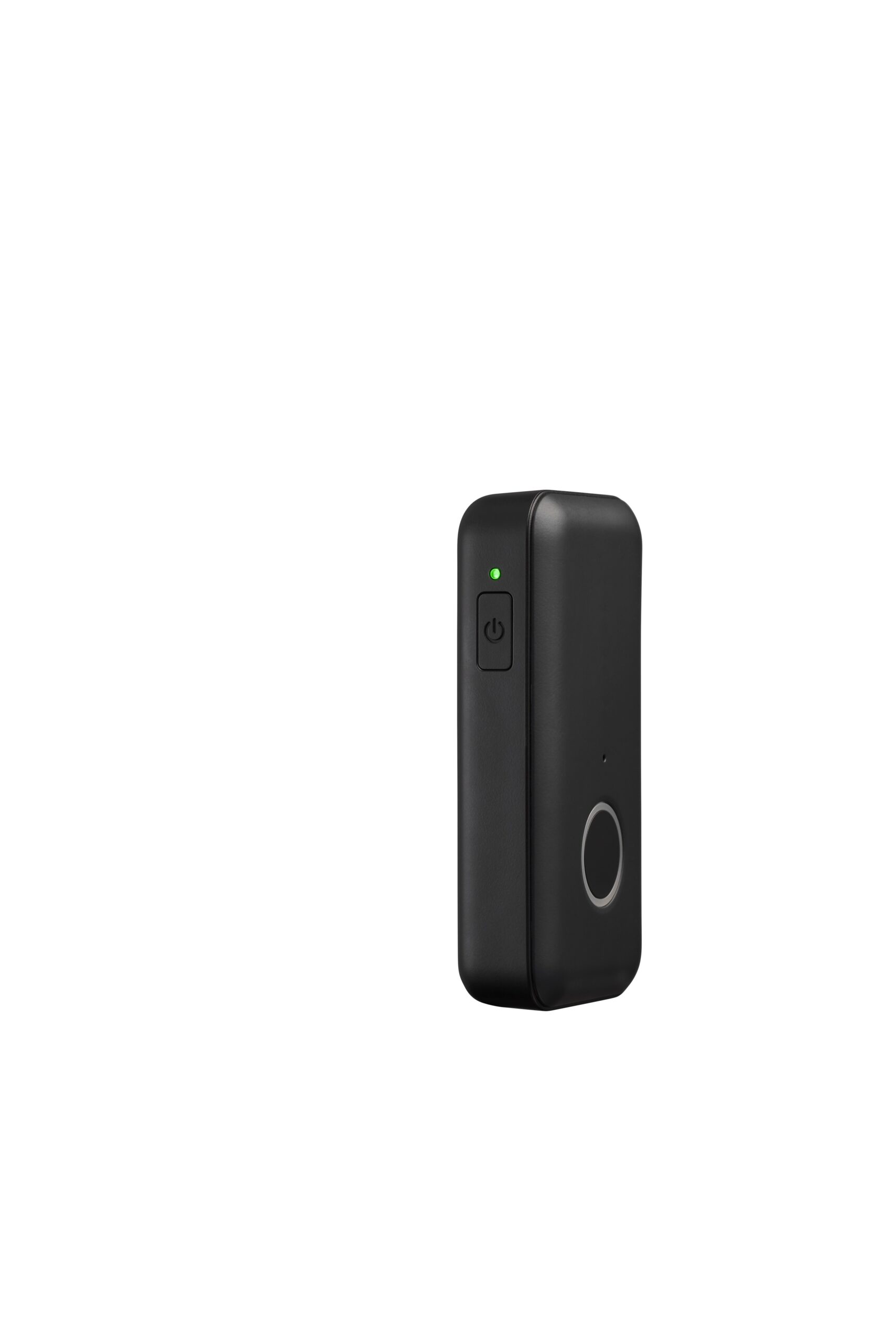
Aeva Pro
Built for Safety. Designed for Life.
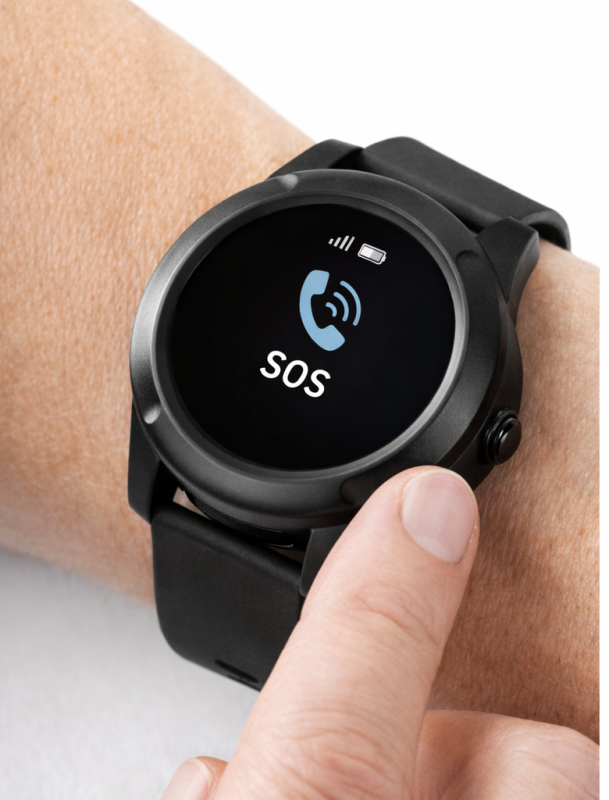
SOS Button
Automatic Fall Detection
Real-time Location Sharing
Long Battery Life
Everyday Wear
Aeva Pro Device — Frequently Asked Questions
Helpful answers about setup, charging, emergency alerts, fall detection, water resistance, and daily use of your Aeva Pro medical alert device.
Advanced protection, simple to use.
Aeva Pro works independently through cellular coverage and helps connect you to emergency support when you need assistance at home or away.
Does this device require a smartphone?
No, the Aeva Pro device works independently and does not require a smartphone. It connects directly through cellular coverage to provide emergency assistance.
Where does my Aeva Pro device work?
Your Aeva Pro works both inside and outside your home, as long as there is cellular coverage available.
Is the Aeva Pro device waterproof?
The device is water-resistant and IP67 rated. It can be worn in the shower but should not be submerged in water.
How often should I charge the device?
For best performance, you should fully charge your Aeva Pro device daily. A full charge may take up to four hours.
How do I charge the device?
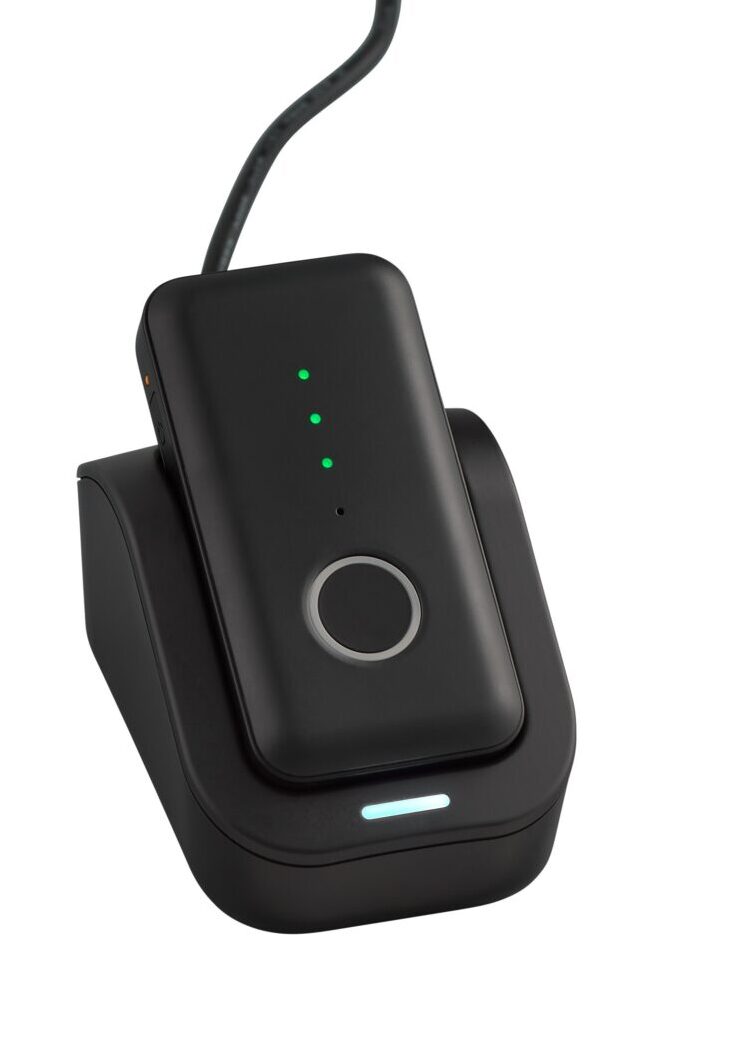
Simply place the device on the charger.
- A white light indicates the charger is powered.
- A blue light indicates the device is charging.
- Full charge is reached when all battery lights turn green.
How do I turn the device on or off?
- To turn ON: Press and hold the power button for 3 seconds or place it on the charger.
- To turn OFF: Press and hold the power button for 3 seconds until it powers down.
How do I check the battery level?
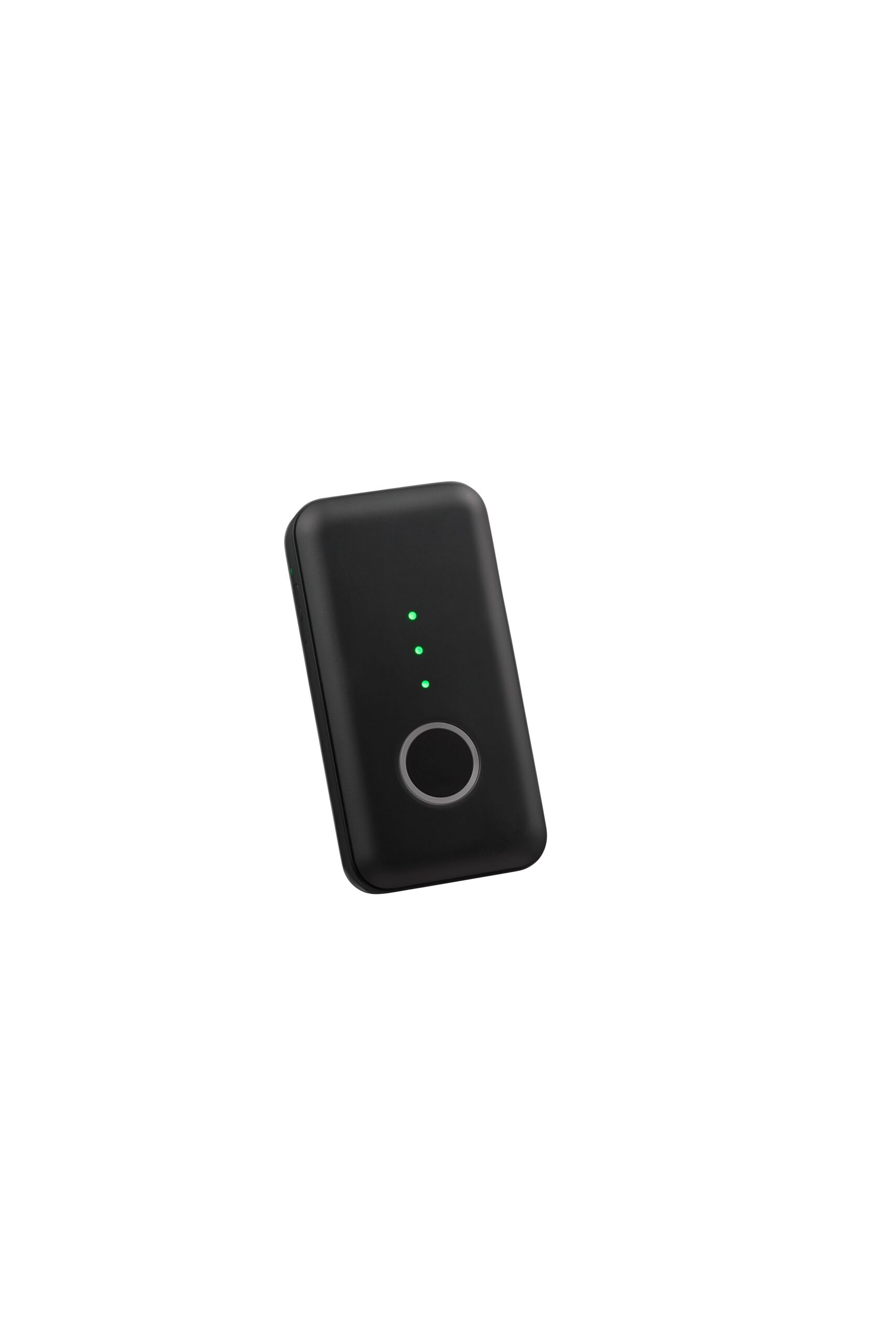
Tap the power button once while the device is on.
- Three green lights indicate a full charge.
How do I use the emergency help button?
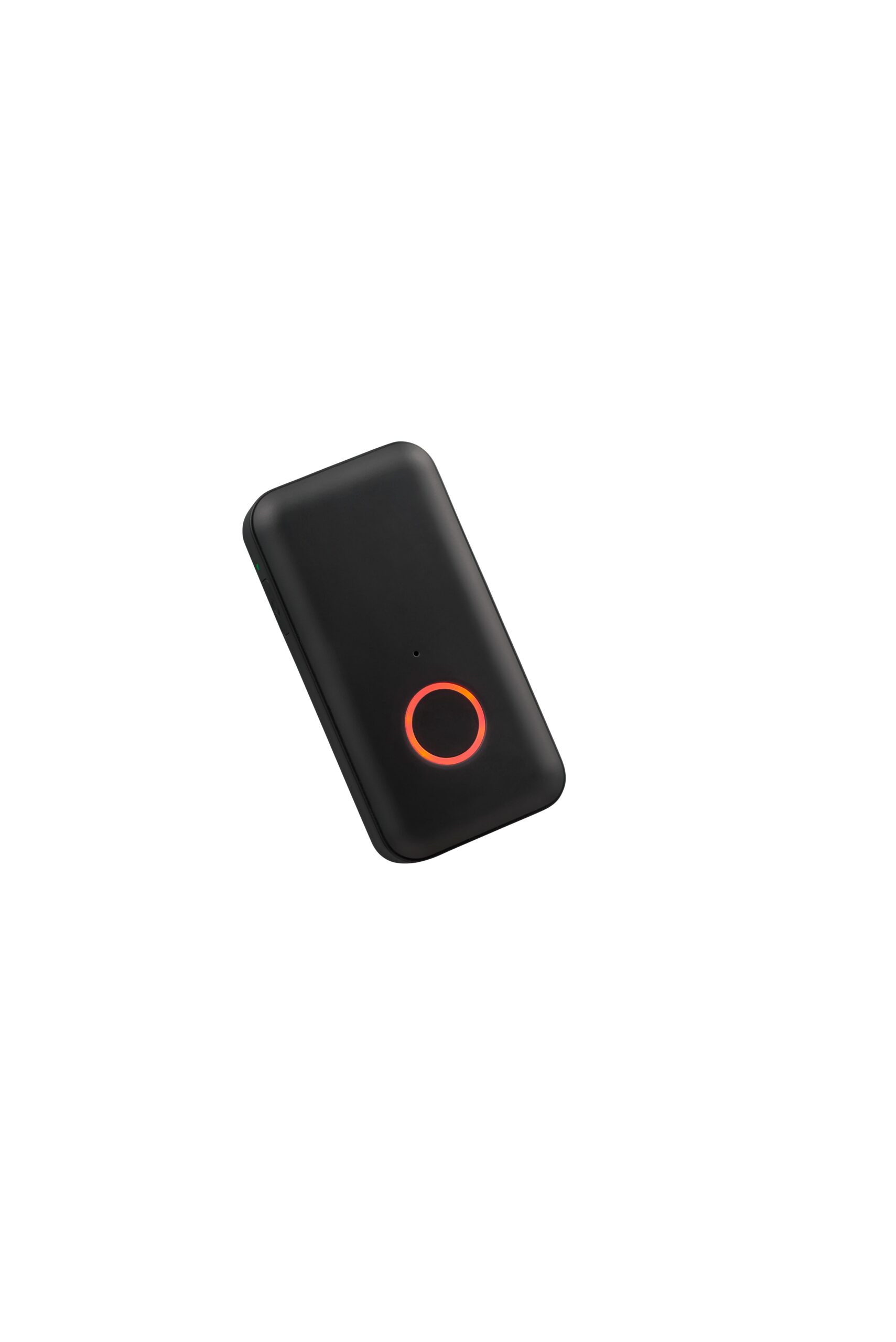
Press and hold the Help Button until you hear the emergency alert message. The AI will then initiate the emergency response process. You will then be connected to a Care Specialist.
What should I do if I accidentally trigger an alert?
Press the Help Button again to cancel the alert. If connected to support, clearly say “No” when asked if you need help.
Does the device have fall detection?
Yes, some models include optional fall detection. If a fall is detected, the device automatically sends an alert if you are unable to press the button.
How often should I test the device?
You should test your device once a month by pressing and holding the Help Button until connected. Inform the agent that you are performing a test.
Can I wear it with a belt clip?
Yes, an optional belt clip is available. Simply insert the device into the clip until it clicks securely into place.
What happens if there is no cellular coverage?
The device relies on cellular coverage. In areas with weak or no signal, performance may be limited.